
GETTING STARTED
CONTACTS
COMPANIES
DEALS
Activities
Other Features
GETTING STARTED
Introduction
What FlyCRM is
FlyCRM is a customer relationship management (CRM) plugin for WordPress. It runs inside your WordPress dashboard. Your customer data stays on your own hosting.
This page explains the core CRM ideas and how FlyCRM uses them. Read it once. The rest of the documentation assumes you know these terms.
Why a CRM
A CRM is one place for every person and business you sell to. It records who they are, what you talked about, and what you are trying to sell them. Without a CRM, this information sits in email, spreadsheets, and memory. A CRM keeps it in one system that a whole team can see.
The core records
FlyCRM stores your work as a small set of record types. Every feature builds on these.
Lead
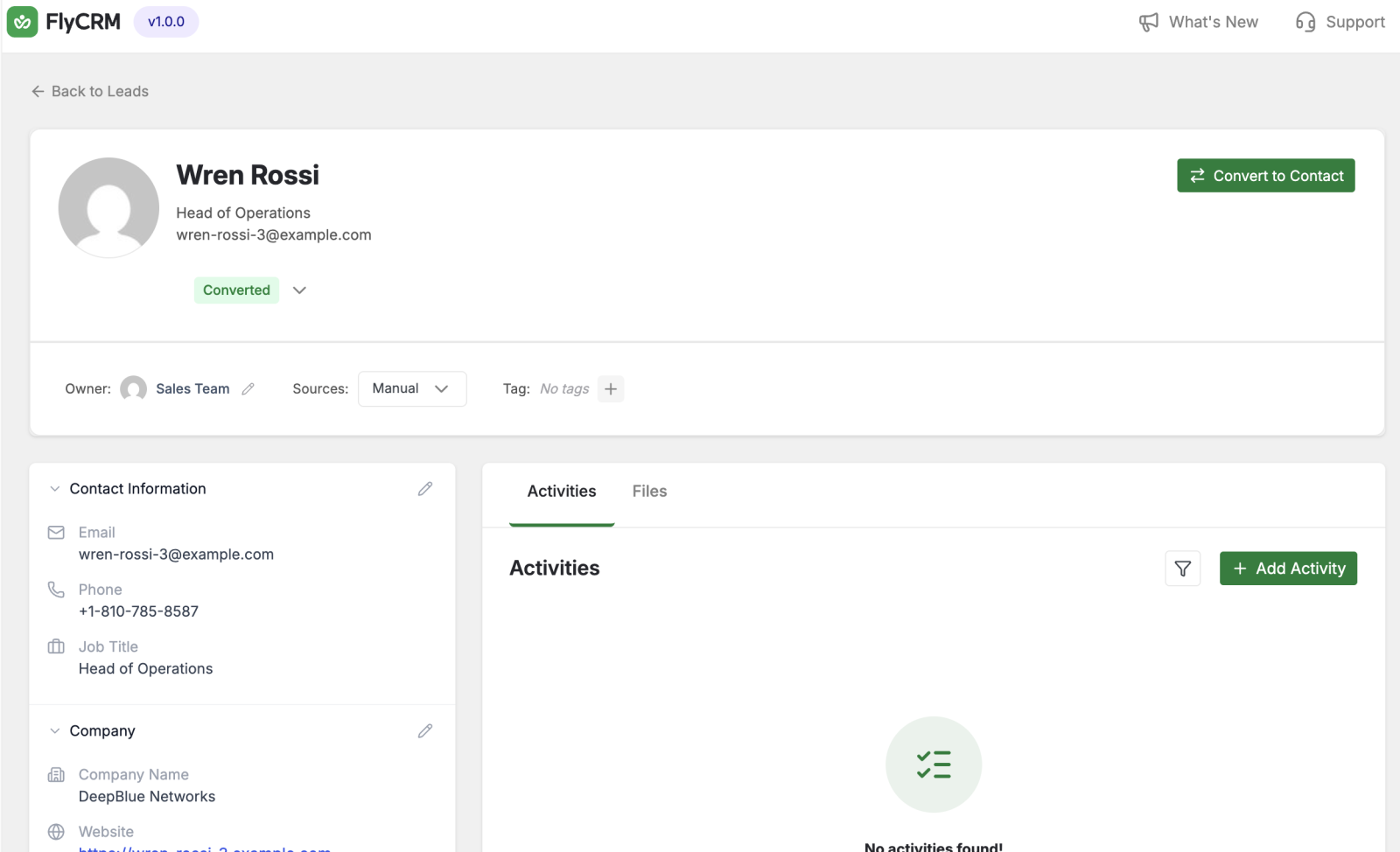
A lead is a possible customer who is not qualified yet. A lead comes from a form, a WooCommerce order, an import, or manual entry. You score and qualify a lead. When the lead is ready, you convert it into a contact, a company, and a deal.
CRM concept: A lead is the top of the funnel. A contact is a person you already work with. Keeping the two apart stops unqualified names from filling your contact list.
Contact
A contact is one person. A contact holds a name, email addresses, phone numbers, a job title, social links, and addresses. Most of your work in a CRM is about contacts.
CRM concept: A contact is an individual, not a business. The business is a separate record called a company.
Company
A company is one business. A company holds an industry, an employee count, a revenue figure, a website, and a logo. You link contacts to a company. One company can have many contacts.
Deal
A deal is a sale you are trying to win. A deal holds a value, an expected close date, a win probability, and the people involved. A deal moves through the stages of a pipeline.
Pipeline and stage
A pipeline is the path a deal takes from first contact to a close. A stage is one step on that path, for example Qualified, Proposal, Negotiation, Won, or Lost. You move a deal from stage to stage (customizable in FlyCRM) as the sale progresses.
Activity
An activity is one interaction. FlyCRM records five types: notes, tasks, calls, emails, and meetings. An activity can link to more than one record at the same time, for example a call that relates to a contact and a deal.
Quote and invoice
A quote is a priced offer you send to a customer. An invoice is a request for payment. Both support line items, discounts, and tax. You send both as a PDF and share them through a public link.
How the records connect
The records form a chain that follows a real sale:
- A lead arrives from a form or an import, or is added new using the Add New button. This can happen using WooCommerce, Lead collection forms, or manual entry in a conference you are attending (FlyCRM's upcoming mobile app can do this by scanning business cards).
- You nurture the lead — calls, emails, and follow-ups — until it is qualified.
- You convert the qualified lead. FlyCRM always creates a contact. It creates a company when the lead has one (or you can add a new company or relate an existing one), and a deal when you choose to open one.
- The deal moves through the pipeline stages as you work it.
- You log activities — calls, emails, meetings — against the contact and the deal.
- You send a quote, then an invoice, and track payment.
Where FlyCRM lives
FlyCRM adds a top-level menu to the WordPress admin sidebar. The menu holds Dashboard, Contacts, Companies, Leads, Deals, Quotes, Invoices, and Settings. FlyCRM Pro adds more items, described in the Pro documentation.
