
GETTING STARTED
CONTACTS
COMPANIES
DEALS
Activities
Other Features
LEAD
Capturing and qualifying leads
A lead is a possible customer who is not qualified yet. This page creates a lead, tracks where it came from, scores it (pro), and moves it through lead statuses. When a lead is ready, you convert it.
CRM concept: A lead sits at the top of the sales funnel. Keep leads separate from contacts so unqualified names do not fill your contact list. A lead becomes a contact only when you convert it.
Where leads come from
FlyCRM captures leads from four sources:
- A web form, such as Contact Form 7 or WPForms or FlyFroms — see Capturing leads from forms
- A WooCommerce order — see WooCommerce integration
- A CSV import — see Importing contacts and companies
- Manual entry, described below
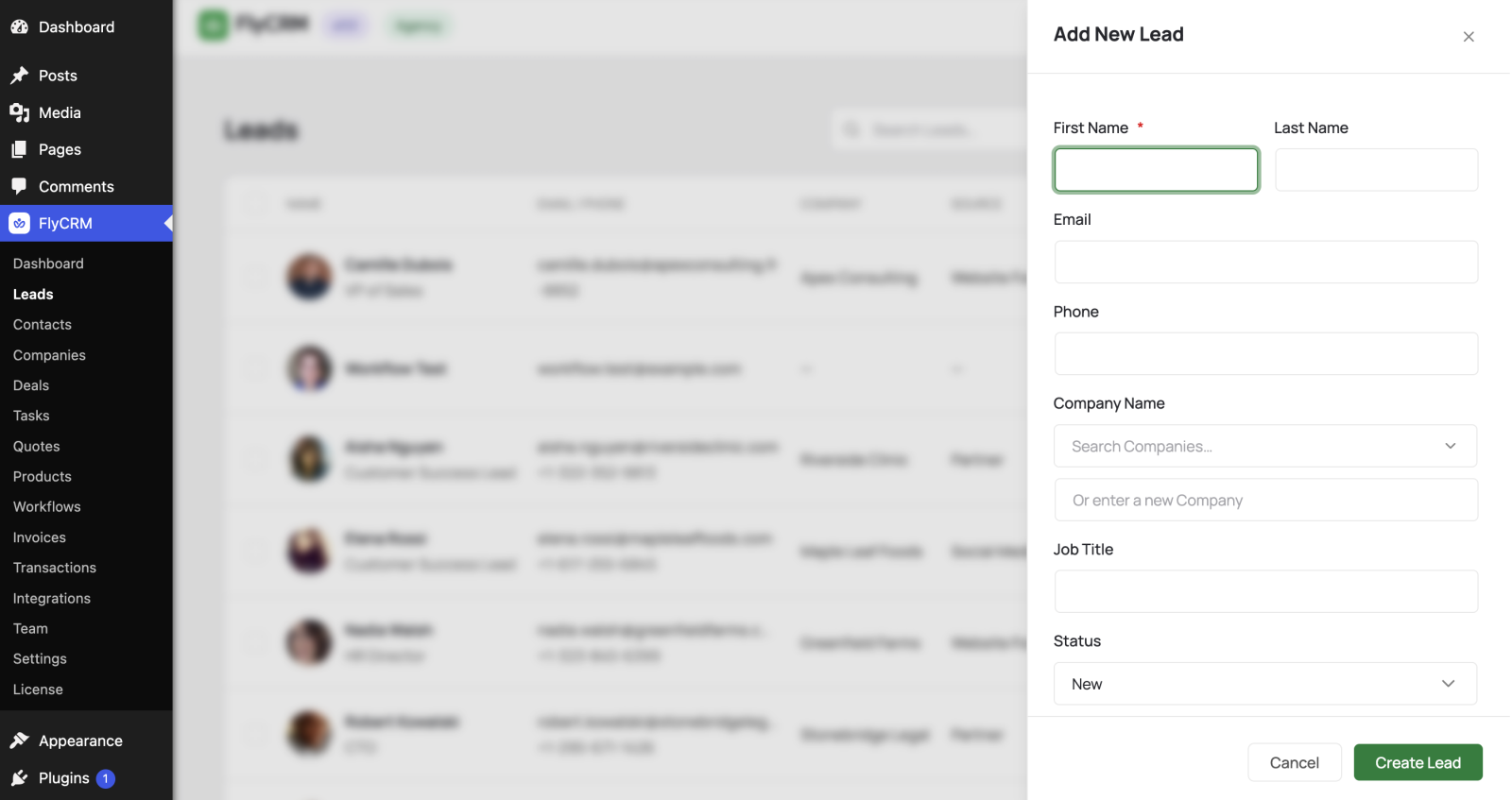
Create a lead by hand
- Go to FlyCRM > Leads.
- Select Add New.
- Enter basic fields like first name, last name, email, and other fields like Company Name, Job Title, etc.
- Set the Lead Status and Lead Source, for example, Website or Referral.
- Select Save.
Track the lead source
The lead source records where a lead came from. FlyCRM also stores UTM parameters and the referrer URL when a lead arrives from a web form. This tells you which campaigns bring leads.
You set the lead source in three ways:
- Choose it by hand when you create a lead.
- Assign it per form, so every lead from that form gets the same source.
- Let WooCommerce set it for orders.
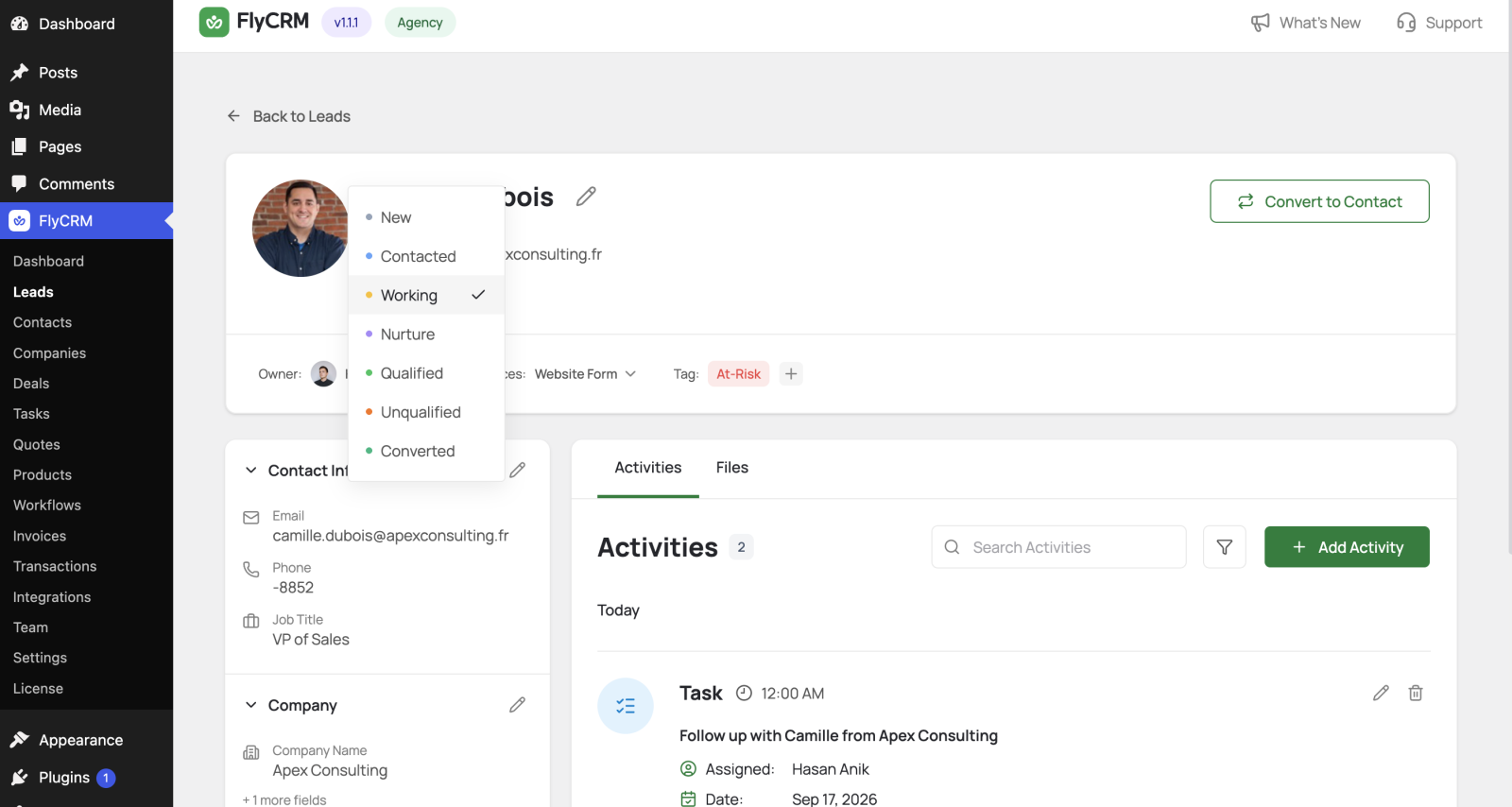
Move a lead through statuses
A lead status shows how far the lead has moved toward becoming a customer, for example New, Open, Contacted, or Qualified.
- Open the lead.
- Select the status control.
- Choose the new status.
Log activities on a lead
Record every call, email, and meeting on the lead while you qualify it. The activities carry over when you convert the lead. See Logging activities.
Qualify, then convert
When a lead is qualified and ready to buy, convert it. Conversion creates a contact, a company, and a deal in one step. See Converting a lead.