
GETTING STARTED
CONTACTS
COMPANIES
DEALS
Activities
Other Features
GETTING STARTED
Onboarding
FlyCRM guides you through the first setup in two places: a setup wizard on your first visit, and an onboarding checklist on the dashboard. This page explains both. Neither blocks you — you can skip anything and start using the CRM at once.
The setup wizard
The setup wizard opens the first time you visit FlyCRM. It asks the handful of questions the CRM cannot sensibly guess, saves each answer as you go, and never asks again once finished or skipped.
Only a user who can manage settings sees the wizard. It runs once for the whole site.
The wizard steps
- Welcome — your business. Enter your business name. This appears on the quotes you send.

- How you charge — currency. Choose the currency for every deal and quote. You can change it later.
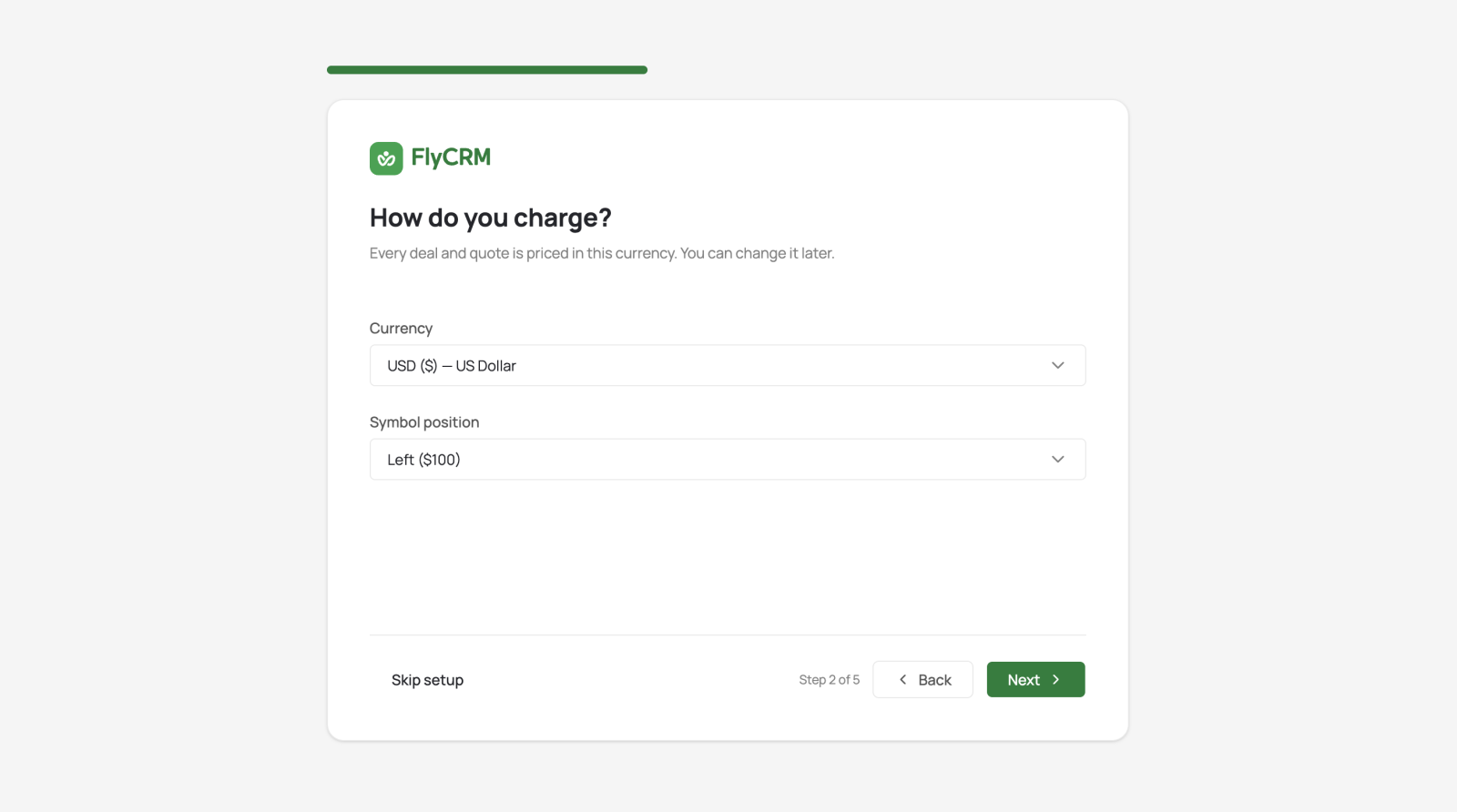
- Date format. Pick how dates read for your team.

- Where people find you — social links. Add your social profiles. This step is optional.

- What work you do. Choose a business type — sell products online, run an agency, provide
services, or something else. FlyCRM uses this to suggest companion plugins that fit your
work.

A final screen confirms "You are all set."
Skip anything
Every step has a Skip control, and skipping is permanent for that run. A skipped step keeps its default value. The dashboard checklist picks up anything you skipped, so nothing is lost.
The dashboard checklist
After the wizard, the dashboard shows a short checklist that turns an empty CRM into a working one. Each item links straight to the screen that completes it.
FlyCRM reads each item from your live data, not from what you clicked. A site that imported a thousand contacts already shows the contact step as done.
The checklist steps
- Add your business details — your name and currency, used on every quote. Opens Settings.
- Add your first company — companies hold the people and deals you work with.
- Add your first contact — import a list or add one person by hand.
- Open your first deal — deals track the work you are trying to win.
- Invite your team — give colleagues a CRM role so records can be shared and assigned.
